
Transferring files using CompactFlash
Transferring files using CompactFlash
1) Hardware required before you start:
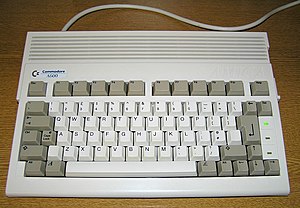
|
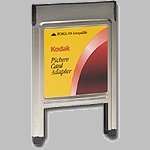 PCMCIA/CompactFlash adapter |
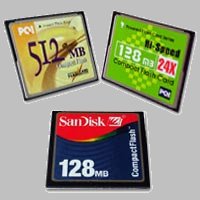
A CompactFlash card |
.jpg)
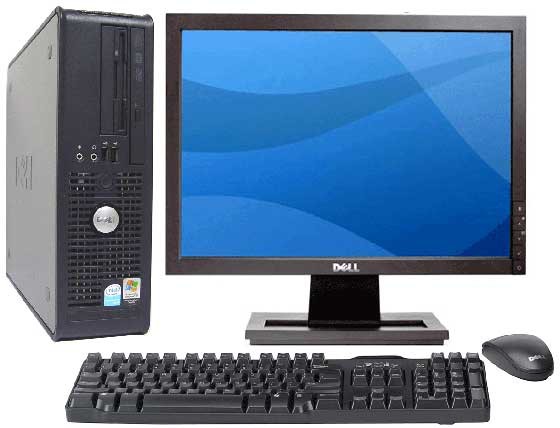 A working PC |
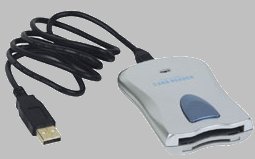
A CompactFlash card reader |
Software required on the Amiga:
- cfd.lha : enables CompactFlash support on the Amiga
- fat95 : enables the Amiga to read long Windows filenames
You can now transfer files between your PC and Amiga at approximately 40 times the speed of a floppy drive.
2) Installation :
- Extract cfd.lha and fat95.lha on the Amiga
- Copy the contents of CFD/C to C and CFD/Devs to Devs
- Copy the contents of FAT95/C, DEVS and L to the corresponding C, DEVS and L directories
- Restart the Amiga
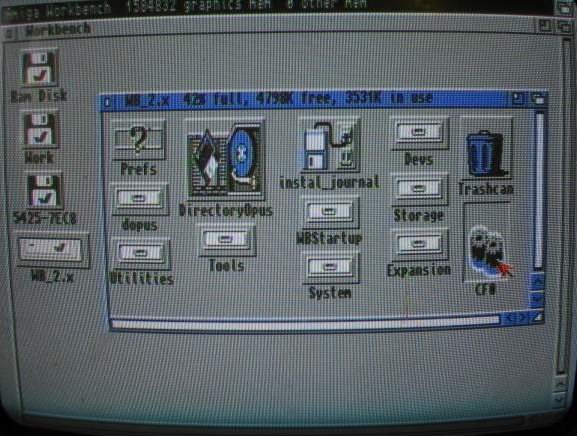
-- If a CF card is inserted in the adapter, an icon will appear
-- Otherwise, open DEVS and double-click the CF0 icon to mount the device, then reinsert the CF card
NOTE: Some Amiga 1200 PCMCIA ports have a bug (the Amiga 600 is unaffected). The card must be inserted while the computer is running, or the Amiga requires a hardware modification.
3) Using the card:
- You can access files on the CF card using a file manager such as DOPUS, which automatically adds a CF0 drive after the device is mounted
- Prefer filenames with 8 characters and a 3-character extension
- .adf files can be copied as they are, without compression. A small utility such as writedisk can then recreate the original Amiga floppy disk in about one minute.
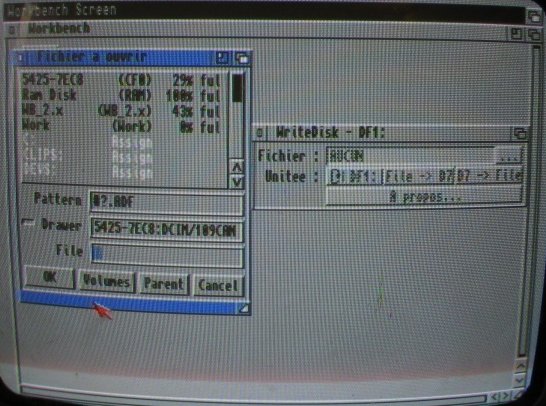
- It even works on an Amiga without a hard drive if you put it in the C directory of your Workbench floppy disk. An external floppy drive is preferable in this case to reduce memory use.
Written by Ced and Sébastien LIGEZ - Images by Ced - 11 September 2004